
Ask finance questions directly
Connect Holvi to your AI assistant
Ask about accounts, balances and transactions right in your assistant, with live data and no exports. You can disconnect it at any time.
On the market since 2011 · Licenced and regulated · Phone support available
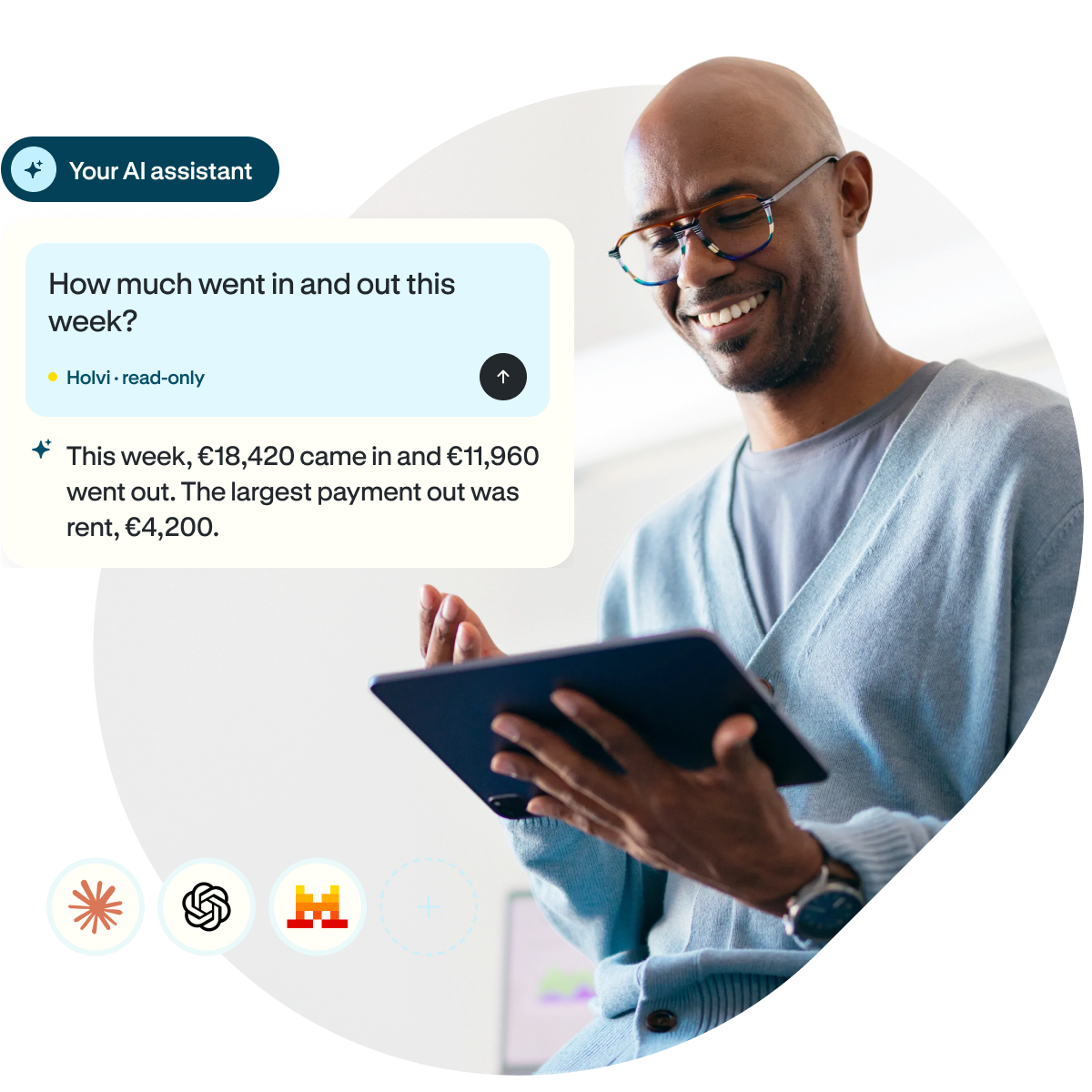
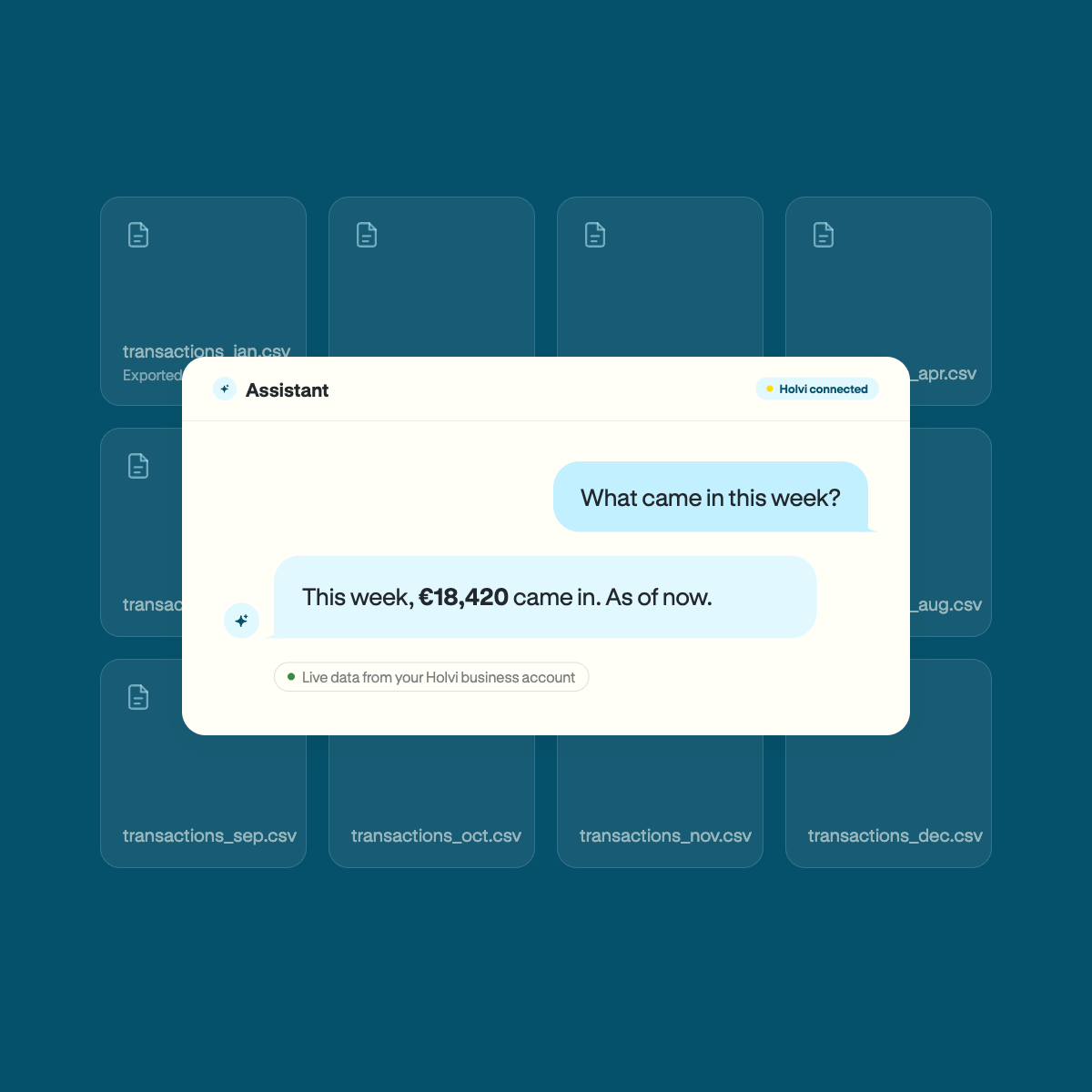
Ask instead of exporting
Finance question used to mean exporting a report, opening the file and pasting it into the assistant, by which time the figures were stale.
Advantages of AI assistants is that one question is enough: it reads live data from your Holvi business account and gives you insights.
Open to many AI assistants
Holvi uses the open Model Context Protocol (MCP). The connection therefore works with any AI assistant that supports MCP, for example:





Examples of compatible assistants. Holvi does not test, recommend or endorse any particular provider.
What you can ask
Ask questions in your own words. The assistant finds the relevant data in your business account
-
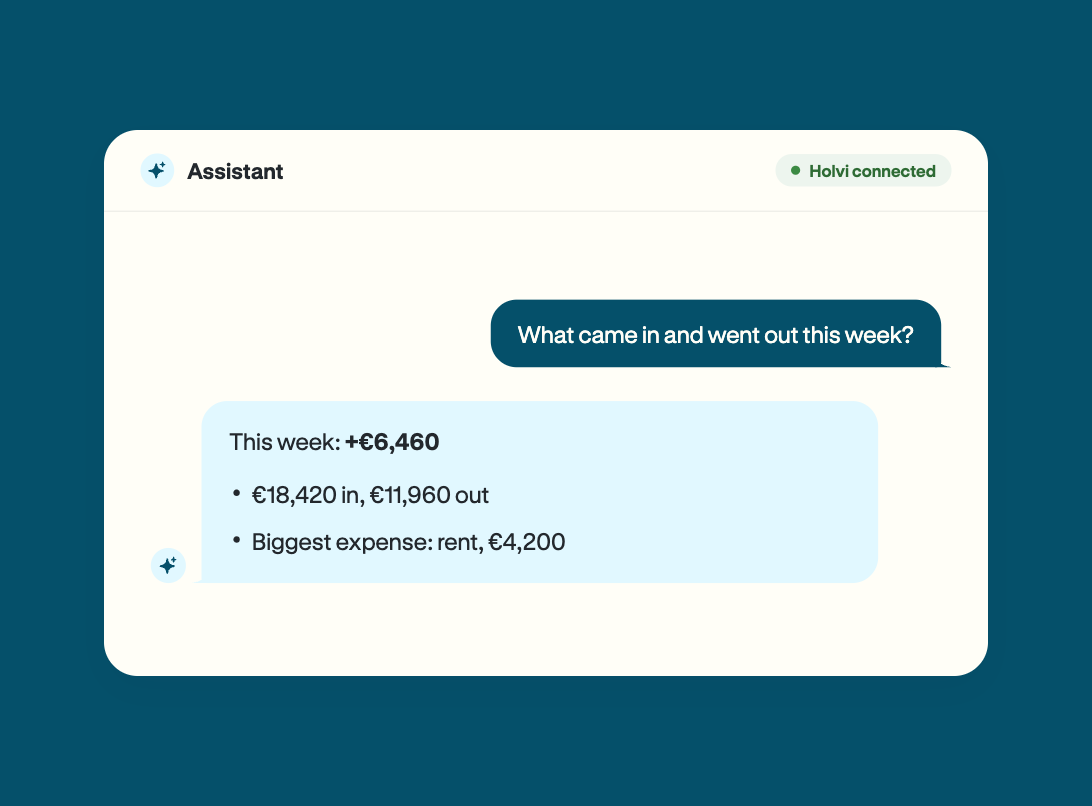
Know where your money is
Check balances and money flows at a glance, without clicking through lists of transactions.
Examples:- What is the balance across all accounts?
- What came in and went out this week?
Data: accounts, balances and transactions.
-
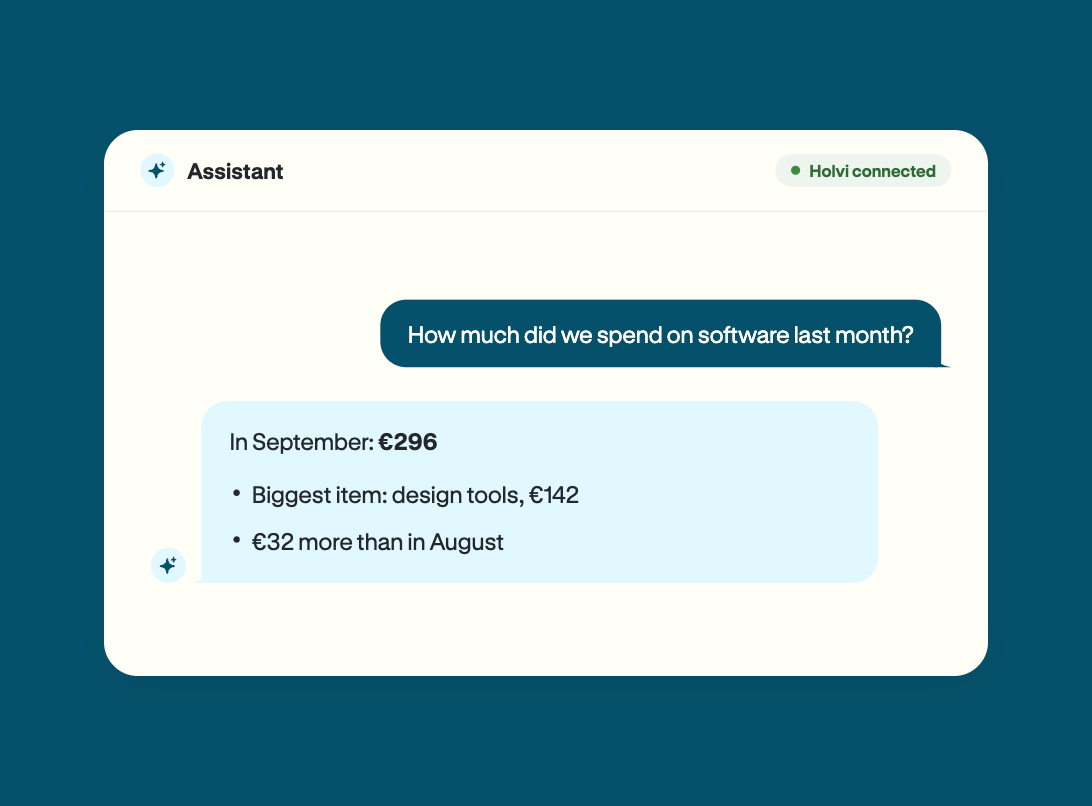
Understand your spending
Running costs like software subscriptions add up quickly, and the assistant shows where the money goes.
Examples:- How much did we spend on software last month?
- Which payments recur?
- How does this month compare with last month?
Data: transactions, business partners and transaction categories.
-
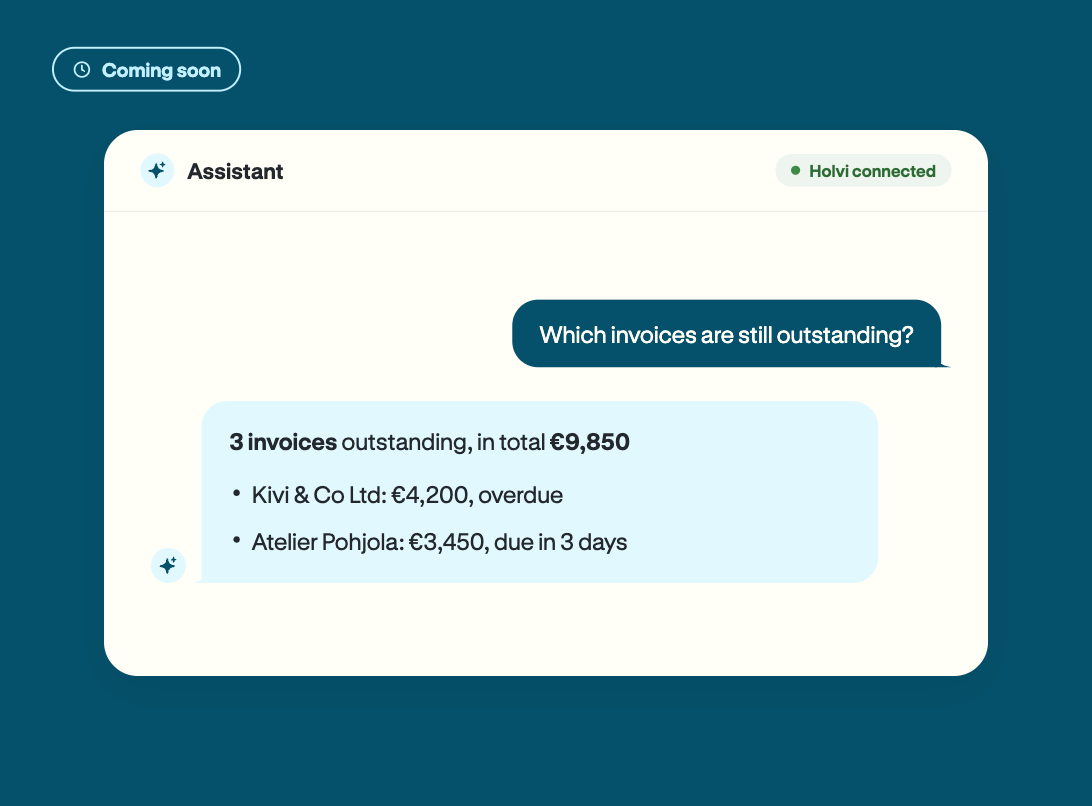
Get paid faster
Keep track of outstanding invoices and have your next payment reminder prepared for you.
Examples:- Which invoices are still outstanding?
- Which customers owe us the most?
- What could a friendly reminder for the oldest outstanding invoice look like?
Data: invoices and contacts.
-
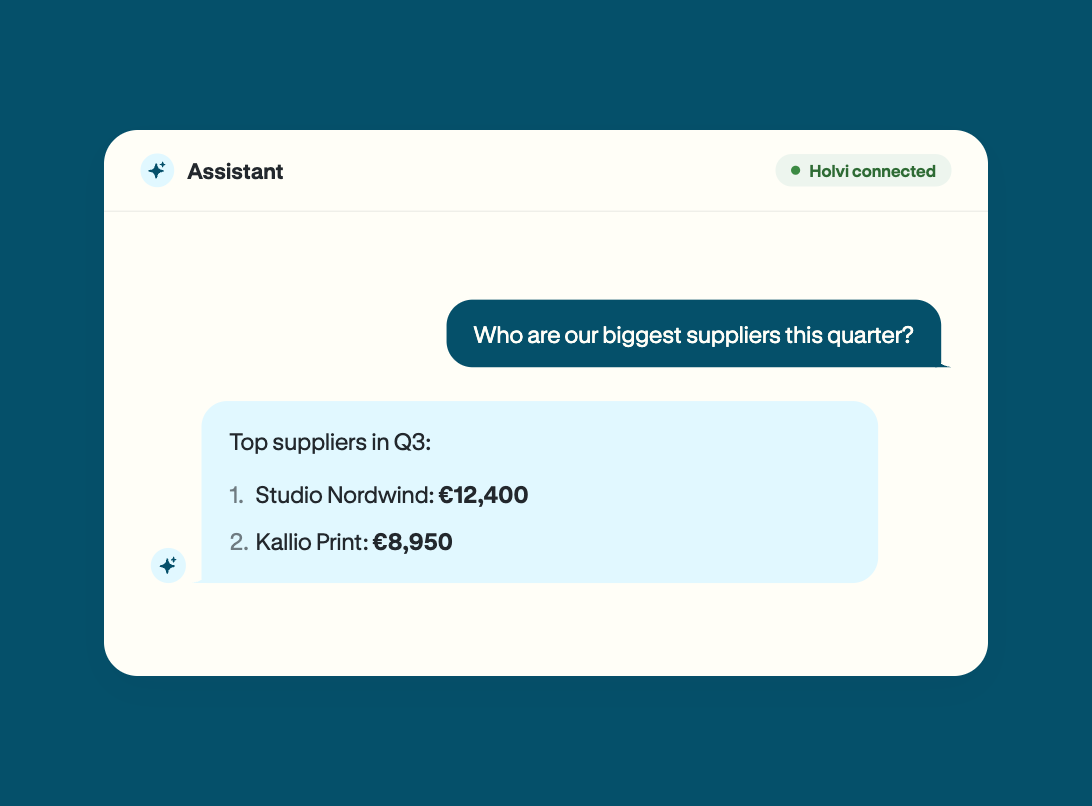
Business partners at a glance
Who supplies you the most, when you last paid them and which customers bring in the most revenue.
Examples:- Who are our biggest suppliers this quarter?
- When did we last pay our supplier XY?
- How much have we invoiced our customer AB this year?
Data: transactions and business partners.
-
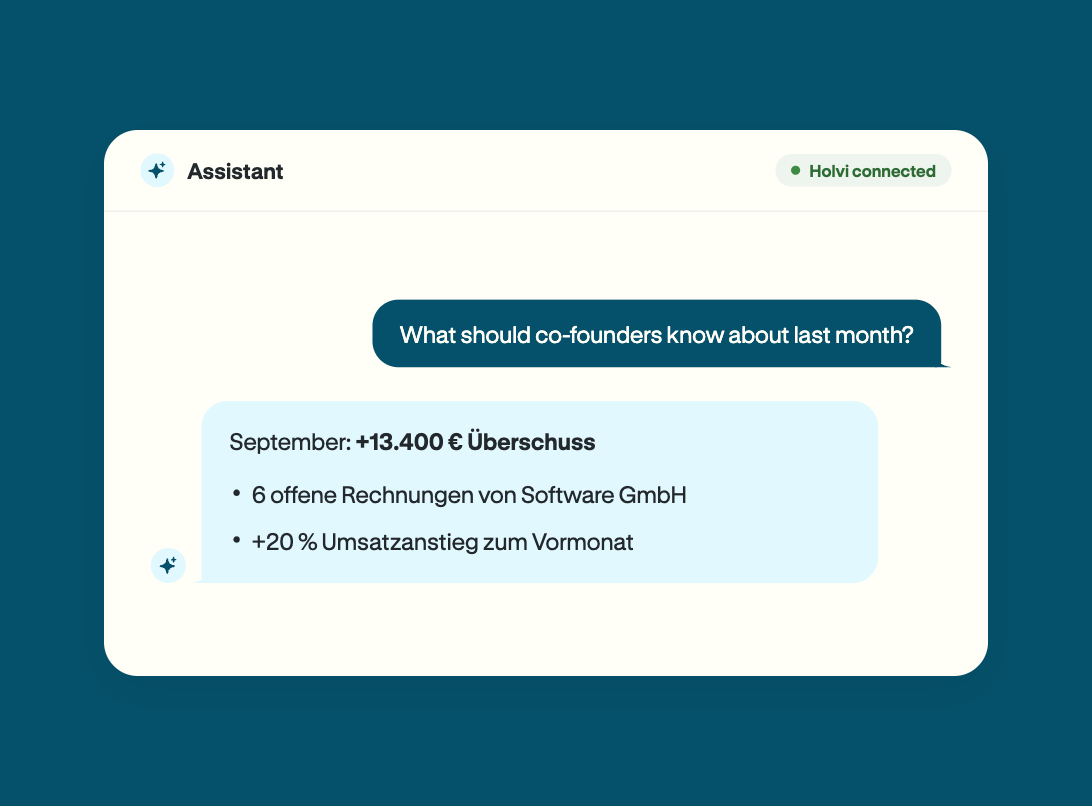
Prepare your numbers
Monthly review, investor update or a check before the DATEV: get figures together with a single question. Examples:
- What should co-founders know about last month?
- Which figures do we need for investors?
- Which transactions don’t have a category?
Data: accounts, balances, transactions and categories.
Connected in three steps
-
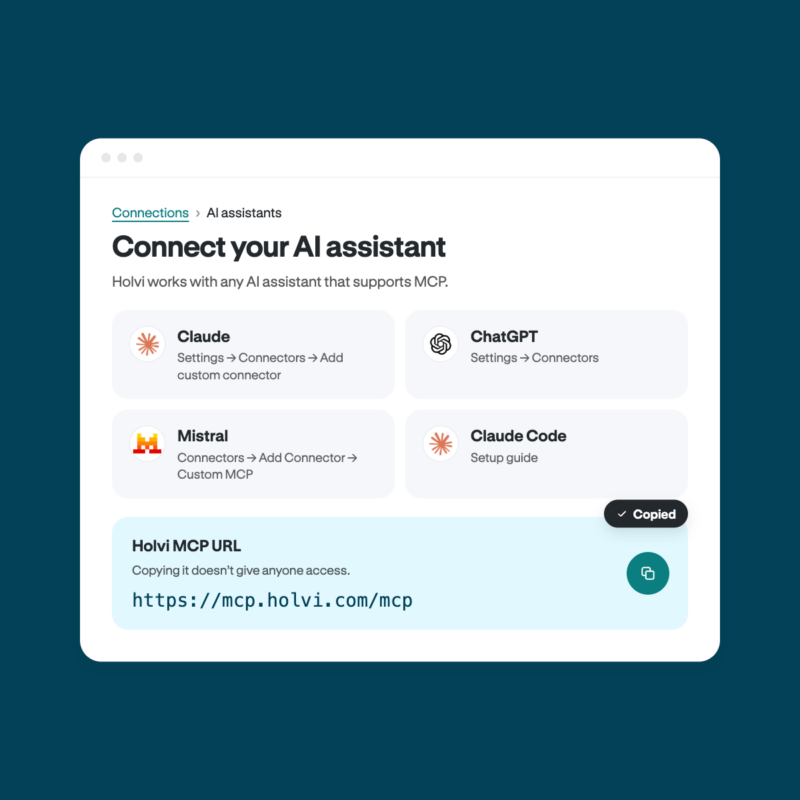
In Holvi, under Connections → AI assistants, you’ll find the server address. Copying it doesn’t give anyone access.
-
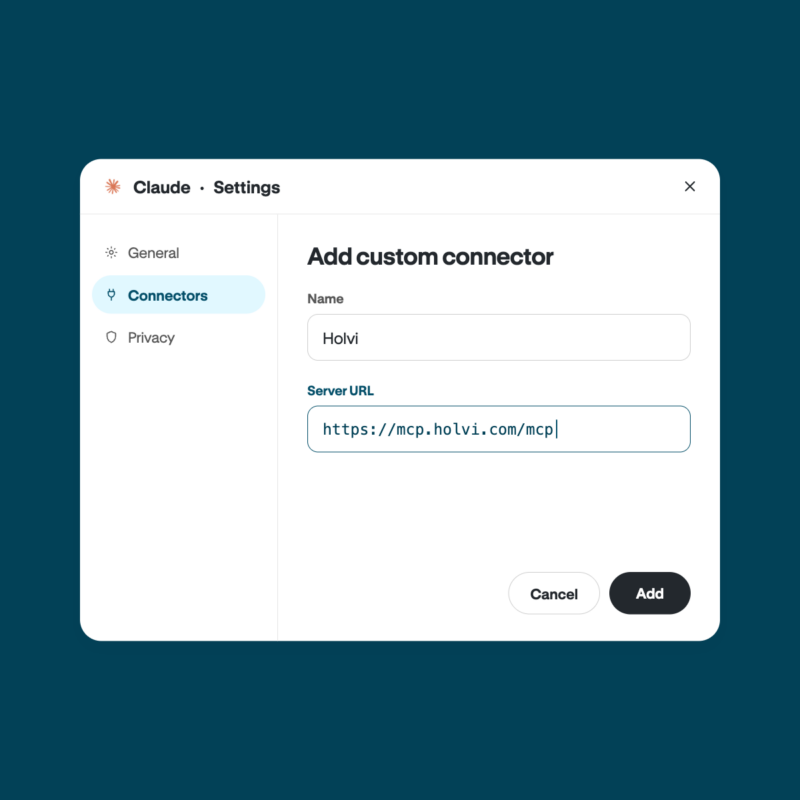
Enter the address in the AI assistant’s connector settings. For common assistants, Holvi links directly to the relevant guide.
-
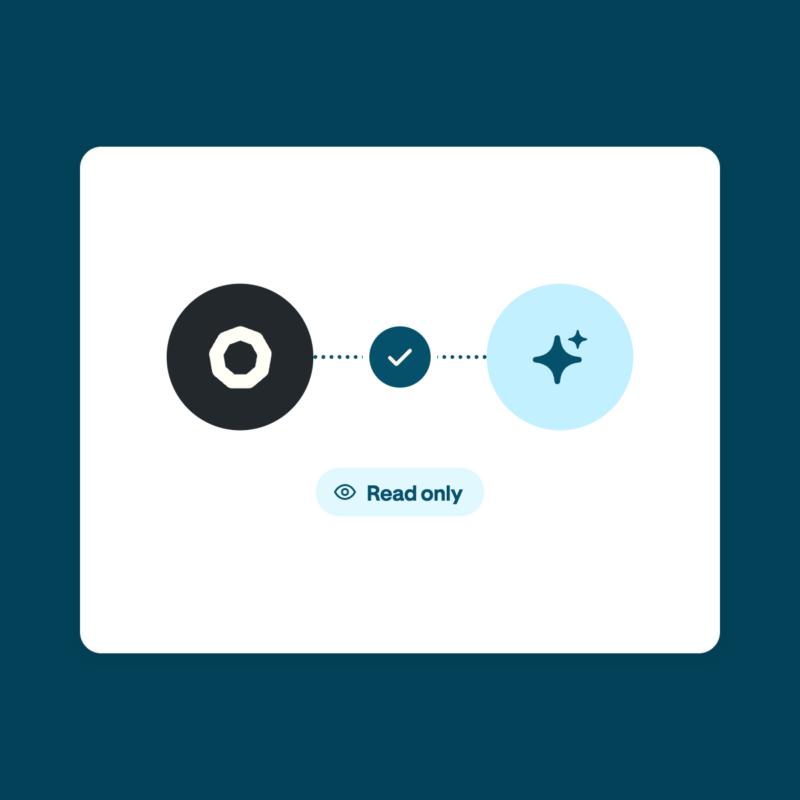
The assistant opens Holvi’s authorisation screen, where you choose which data it may read. You can start asking questions straight away.
Setup differs depending on the assistant. Which subscriptions support a connection is determined by each provider. Full details are in the Help Centre.
Control stays with your company
The assistant sees only what you’ve approved and, at launch, can’t change anything.

Approve only in Holvi
Access is granted on Holvi’s own authorisation screen, with no API key. Nothing is pre-selected.

All connections at a glance
Under Connections, every connected assistant is listed, with its connection date and last activity.

Disconnect in one click
Each assistant can be revoked individually. Access ends immediately.
Once data reaches the assistant, the provider’s terms apply, not Holvi’s. More on data protection.
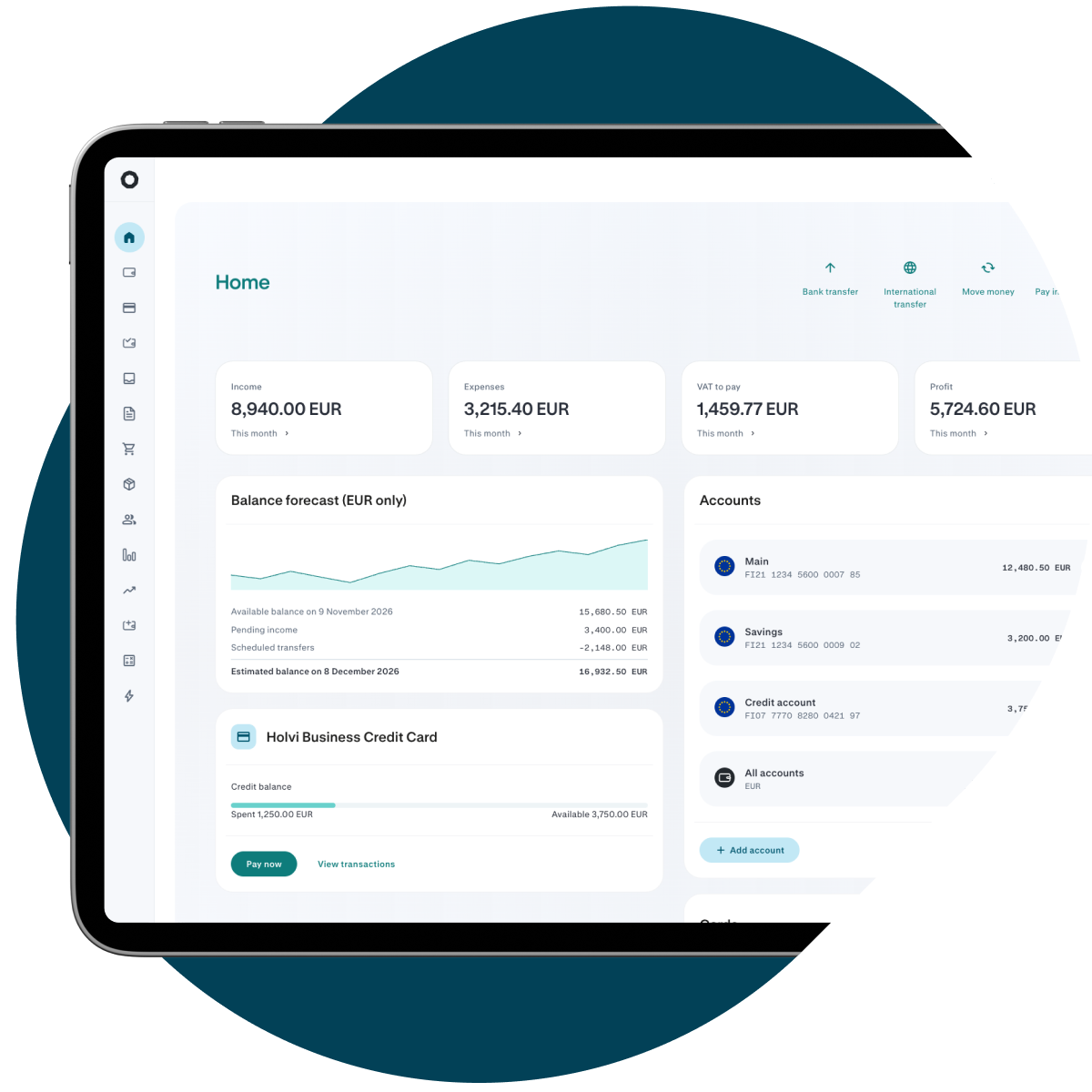
No extra charge
The AI assistant connection is included in every Holvi plan at no additional cost. Depending on the provider, the assistant itself may require a paid subscription.
Secure by default
For over 15 years, businesses have trusted Holvi to keep their money safe.

3D Secure on every online payment
Extra protection built into every card.

Lock and unlock in a tap
Block a card instantly from the app and unblock it just as fast.

Your money, safeguarded
Holvi is a licensed payment institution, and customer funds are held as safeguarded funds.
Frequent questions about AI connection
Any AI assistant that supports the Model Context Protocol (MCP), for example ChatGPT, Claude, Notion or Mistral. The connection runs via the Holvi server address.
ChatGPT and Claude can also be connected directly through their app directories.
Account holders and admins can set up the connection. In Holvi, under „Connections” → „AI assistants”, copy the server address, enter it in the assistant and grant access in Holvi. The guide for each assistant is available in the Help Centre.
The assistant opens Holvi’s authorisation screen, where you select which data it may read. Nothing is pre-selected, and there are no API keys. Each assistant is authorised individually, even if several are connected.
The assistant can read the following data:
- Accounts
- Balances
- Transactions, including:
- Amount
- Date
- Payment direction (incoming and outgoing)
- Transaction category
- Names and IBANs of business partners
- Invoices
- Contacts
- Category lists
In addition, it can read profile data:
- Name
- Email address
- Accessible companies
The assistant cannot read receipts.
If you manage several companies under one login: the assistant currently gets access to the data of all linked companies.
No. Access is currently read-only. The assistant cannot initiate payments or transfers, and it cannot create, change or delete anything in the business account. Should this change in future, it would require a new, explicit authorisation. It never happens automatically.
When the assistant reads data from your Holvi business account, that data goes to the assistant’s provider, such as OpenAI or Anthropic. From that point, the provider’s terms apply, not Holvi’s. This also covers data about business partners, for example names and IBANs in transactions. Holvi does not pass any data to AI providers of its own accord and does not store conversation content, only the fact that a request took place.
Before connecting, it’s worth reading the provider’s privacy policy, for instance on AI training and processing outside the EU.
The connection uses the OAuth standard with PKCE, a secured exchange of the authorisation code. This prevents any third-party app from intercepting the authorisation. Access can be revoked at any time. More information here: Security at Holvi.
At Holvi, the connection is included in all account plans at no extra charge. With the assistant, it depends on the provider. ChatGPT, for example, requires a paid subscription and only works in the browser. For company accounts, an administrator may first need to enable connectors.
In Holvi, under “Connections” → “AI assistants”, click “Revoke” next to the relevant assistant. Access ends immediately. Data already held by the provider remains stored there under its policies and can only be managed directly with the provider.