


Enjoy Apple Pay using your Holvi card
Apple pay is the fast, easy and secure way to pay in stores, apps and online – with just a touch or a glance. Add your Holvi card to the Wallet app and make your first payment.


Fast and easy
Set up Apple Pay in seconds. Just add your Holvi card to the Wallet app on your iPhone – you’re ready to go!

Widely accepted
Use your Holvi card with Apple Pay wherever contactless is accepted – and on millions of websites and apps.

Safe and sound
Apple Pay uses 2-factor authentication via Face ID, Touch ID or your iPhone’s PIN code.
Add Holvi to Apple Pay today
It only takes a moment. Here’s how to get started.
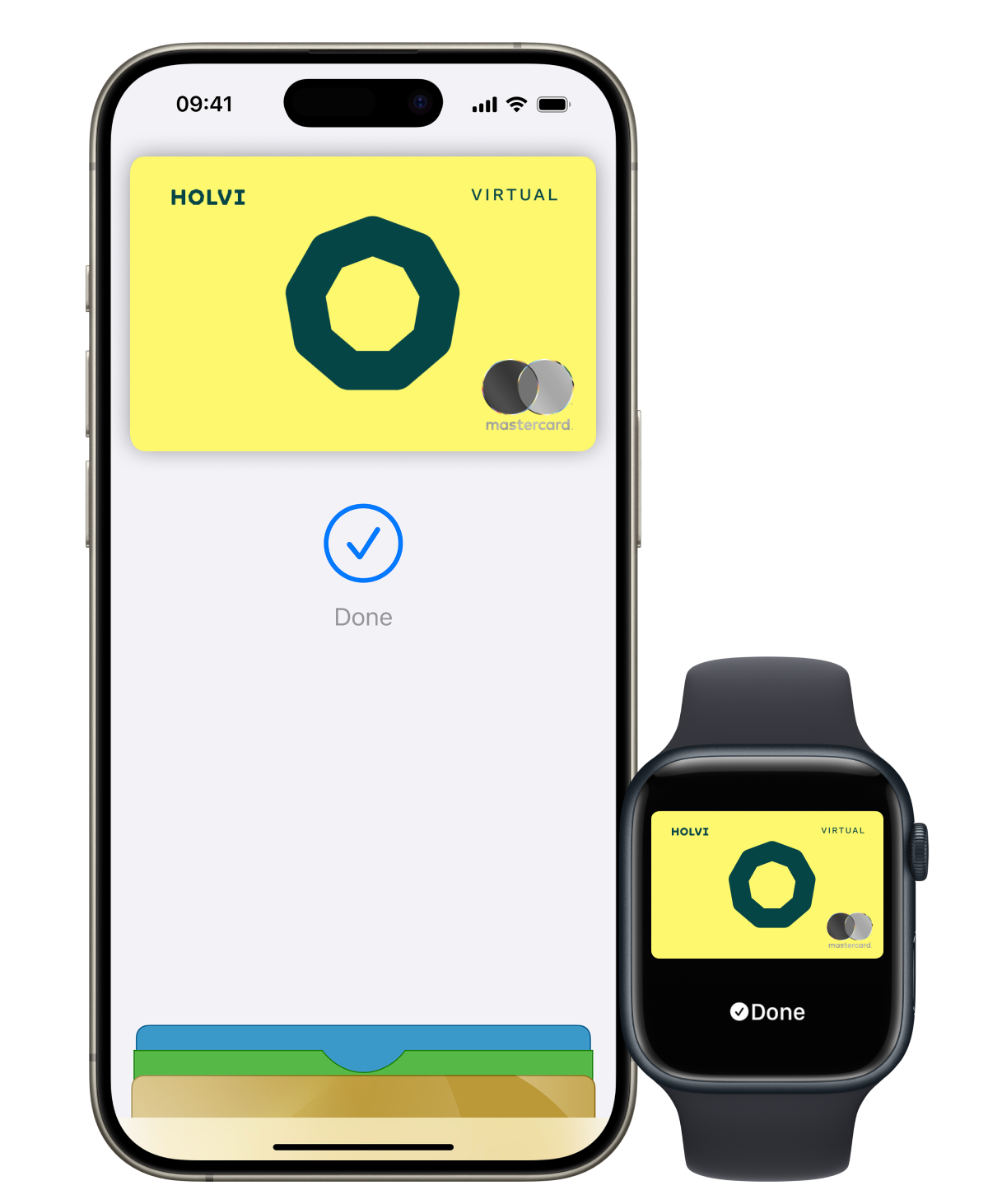
Open the Holvi app and follow the onscreen instructions, or open the Wallet app and tap the ‘+’ sign.
Open the Apple Watch app on your iPhone and tap Wallet & Apple Pay > Add credit or debit card.
Go to Settings, open Wallet & Apple Pay and tap Add credit or debit card – or open the Holvi app and follow the onscreen instructions.
Go to System Preferences, tap Wallet & Apple Pay > Add card.
Got questions?
Face ID, Touch ID or your passcode are required for purchases on your iPhone, Apple Watch, Mac, or iPad. Your card number and identity aren’t shared with merchants, and your actual card numbers aren’t stored on your device or on Apple servers.
When you pay in stores, neither Apple nor your device will send your actual card number to merchants. When you pay online in Safari or in apps, the merchant will only receive information you authorise to fulfill your order — such as your name, email address, and billing and shipping addresses.
When you pay with your Holvi debit or Holvi credit card, Apple doesn’t keep transaction information that can be tied back to you.
It’s simple. To add your Holvi card to Apple Pay, open the Wallet app and tap the ‘+’ sign – or open the Holvi app and follow the onscreen instructions. Remember to add your card to any other Apple devices you want to pay with. It works on iPhone, Apple Watch, Mac, and iPad.
Apple Pay works wherever you see the Apple Pay or contactless card symbol using your device’s NFC contactless technology.

You can pay in apps and on the web with iPhone and iPad. At checkout, just select Apple Pay as the payment method and confirm with Touch ID or Face ID.
Apple Pay is a trademark of Apple Inc.