
Business account & online bookkeeping
Receipts, VAT and bookkeeping categories captured the moment you pay. Your accountant gets a complete month, with no exports needed.
Since 2011 · Supervised by BaFin · English-speaking phone support

Business banking you can rely on



Your bookkeeping runs as you pay

Receipt on every payment
After each card payment, the app reminds you about the receipt. Snap a photo and it’s attached to the transaction.

VAT always in view
The VAT rate and bookkeeping category sit on every transaction and you can see what’s still missing. Your VAT is set before the advancee VAT return (USt-VA) is even due.

A faster month-end
All your data goes straight to your accountant. No exports, no chasing, no hunting at month-end.
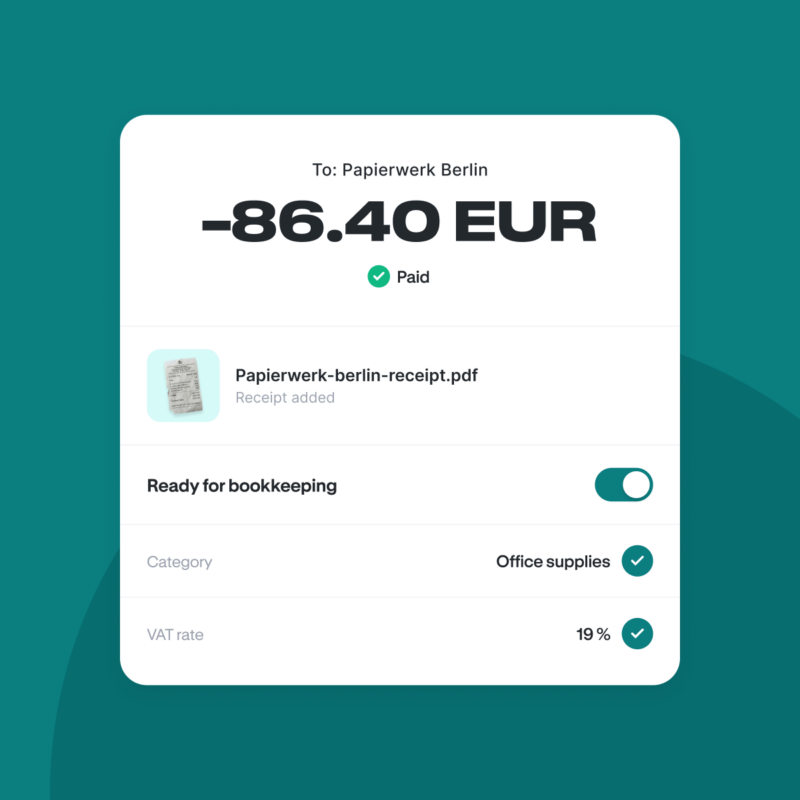
Done before the bookkeeping starts
Bookkeeping usually starts after you pay. With Holvi, it happens in the middle of it. Just pay with the card, upload the receipt as a photo, add the bookkeeping category and VAT rate. Done.
- No exports, no catching up, no hunting for receipts at year-end.
- Split mixed payments into separate parts.
- Everything is ready to go for your accountant or bookkeeping tool.
Three ways to your finished bookkeeping
-
Posting without exports or retyping
Holvi connects to your accountant through DATEV. Transactions, bookkeeping categories and VAT go straight to them. No extra documents needed.
- Also works with Lexware Office and sevdesk
- DATEV connection (€3/month on Holvi Flex, Lite and Pro, included on Business).
- Automated bookkeeping and payment reports
- A dedicated login for your accountant
-
Right in your bookkeeping tool
Prefer to post yourself? Connect Holvi to Lexware Office (formerly lexoffice) or sevdesk. Transactions flow in automatically and your bookkeeping happens within the tool.
From there, you can prepare everything tidily for your tax return or advance VAT return. GoBD-compliant and GDPR-compliant. -
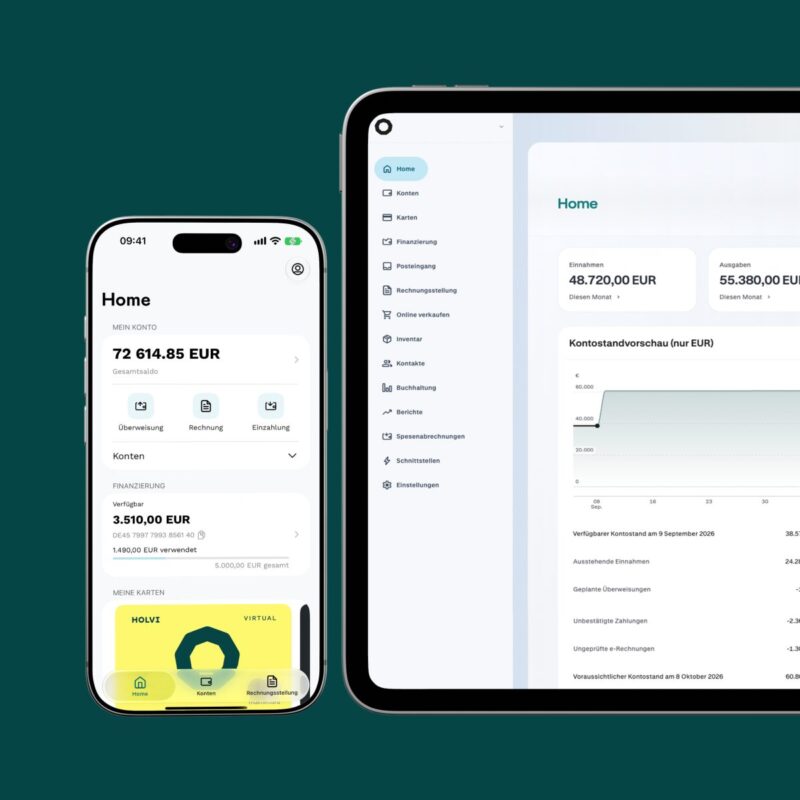
Bookkeeping with no extra tool
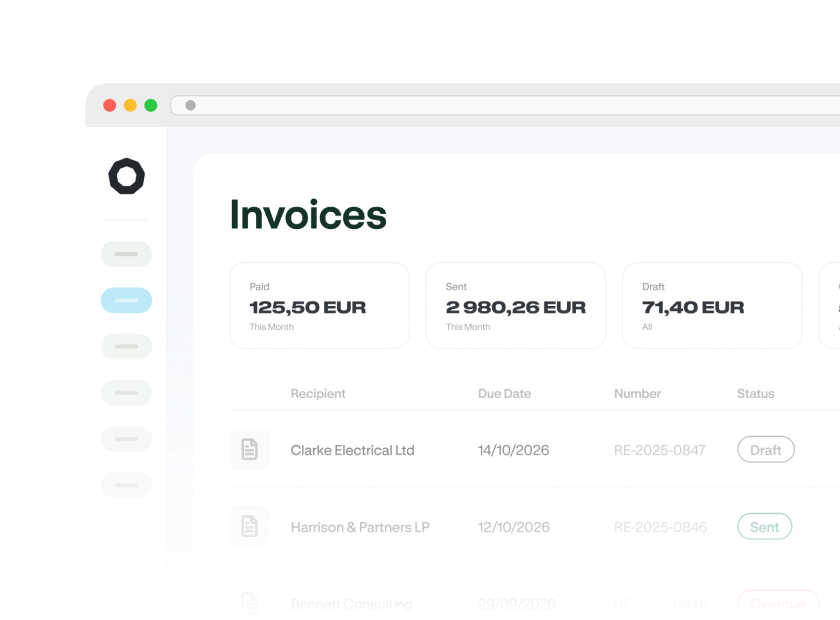
Prepare your bookkeeping right inside the business account.
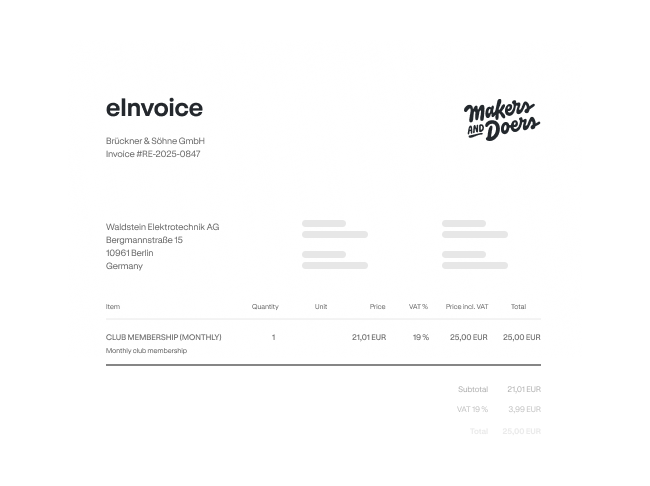
- Create invoices and e-invoices
- Track VAT any time
- VAT balance calculator from Holvi Pro
- Export reports as XLS or PDF
Bookkeeping for every business
-

Lots of small transactions and several VAT rates: Bookkeeping category and VAT are assigned to every payment automatically.
-

Receipts on the go, materials, fuel: Captured the moment you pay, even with several people on the team.
-

Fees, project costs and travel: Cleanly categorised and ready for your tax return.
-

Complete and prepared data: Month after month, via DATEV or other bookkeeping tools.

Complete, even as the team grows
Clean books at a glance: cost centers for departments and projects, chart of accounts for allocation, review and approve expenses via link, connect external bank accounts and add cash expenses.
You can learn how it all works during a personal consultation.
Every report at a glance
Reports you can download from Holvi include the following.
Holvi connects with plenty more








Bookkeeping, in their words
Real reviews from Holvi customers.

„Being able to assign receipts straight to payments is brilliant, everything in one place. The app is great for scanning receipts on the go.”
„The exports for my accountant are really easy, and the built-in invoicing does everything you need.”
„A business account with integrated bookkeeping in one place, invoices straight from the account, with payments and VAT matched automatically.”
„Tracking income and expenses in real time, creating invoices and matching payments automatically saves me a lot of time on my bookkeeping.”
Ready to go in a few steps
Open your account online in just a few minutes.
You’ll need a valid ID document or passport, plus your tax number (Steuernummer) or VAT ID (Umsatzsteueridentifikationsnummer).
After verification, your account is ready to use.
Easily connect the bookkeeping tool you use or grant DATEV access for your accountant.

FAQs about online bookkeeping with Holvi
A business account with bookkeeping links your account to bookkeeping tools: receipts, VAT and bookkeeping categories appear on the transaction and can be handed to tools or to your accountant. The Holvi business account combines both.
One with a digital connection to a bookkeeping tool. Holvi connects to DATEV, Lexware Office and sevdesk, among others, which suits freelancers (Freiberufler*innen) and solo entrepreneurs (Einzelunternehmer*innen), as well as small and medium-sized businesses (SMEs).
After a card payment, the app sends a notification reminding you about the receipt. You upload a photo and it’s assigned straight to the transaction, along with the matching VAT rate and bookkeeping category.
It mainly depends on whether you work with an accountant. If you want to save money and do all or a part of the bookkeeping yourself, you can use tools like Lexware Office or sevdesk. With them, you can prepare
- the advance VAT return (Umsatzsteuervoranmeldung),
- the income-surplus statement (Einnahmen-Überschuss-Rechnung, EÜR), and
- the profit and loss statement (Gewinn- und Verlustrechnung, GuV)
If you’d rather rely entirely on an accounting firm, choose a business account with a DATEV connection. All transactions are linked to your accountant’s DATEV system daily and in the right format, so the accountant can post them directly. For even smoother collaboration, your accountant can offer a DATEV bookkeeping solution such as DATEV Unternehmen Online, where receipts, invoices and cash books are exchanged and managed digitally.
Pre-accounting means preparing receipts, bookkeeping categories and VAT rates for the close. You can do it right in Holvi, with no extra tool, then export the reports you need. Our Help Centre lists all the reports.
The VAT rate is captured on the transaction itself, using Holvi’s preset bookkeeping categories. That sets your VAT position before the advance VAT return (Umsatzsteuervoranmeldung) is due and you can export the VAT report any time.
A bookkeeping category describes what kind of income or expense it is, such as office supplies or revenue. It’s the basis for reports, VAT and year/month-end closing.
A cost centre assigns that same expense to an area, such as a department, project or location. You can combine the two: a transaction carries a category and, if you like, a cost centre. Our Help Centre explains bookkeeping categories and the difference between bookkeeping categories and cost centres in detail.
You can capture both in Holvi. Cash payments are added as external transactions and flow into your bookkeeping. Business accounts from other banks can be connected directly, so all your transactions come together in one view. It’s free on all plans.
Bookkeeping is just the start. Sort the rest of your finances too.
Expense management
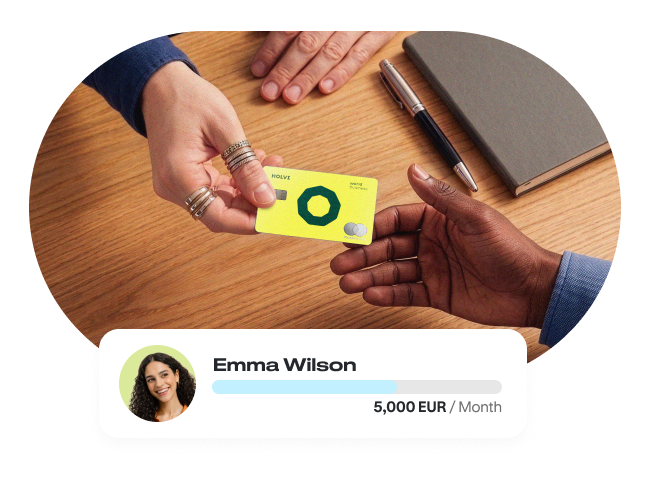
Every team expense is captured automatically. No more paying out of pocket.